It is OpenAI’s latest AI model designed to turn text into high-quality images. It is smarter than older models, offering better logic, clearer text rendering, and more realistic details.
Free GPT Image 2: Better Images, Easier Prompts
Discover the easy way to create high-quality art. GPT Image 2 works with you to make sure every image looks consistent and professional.
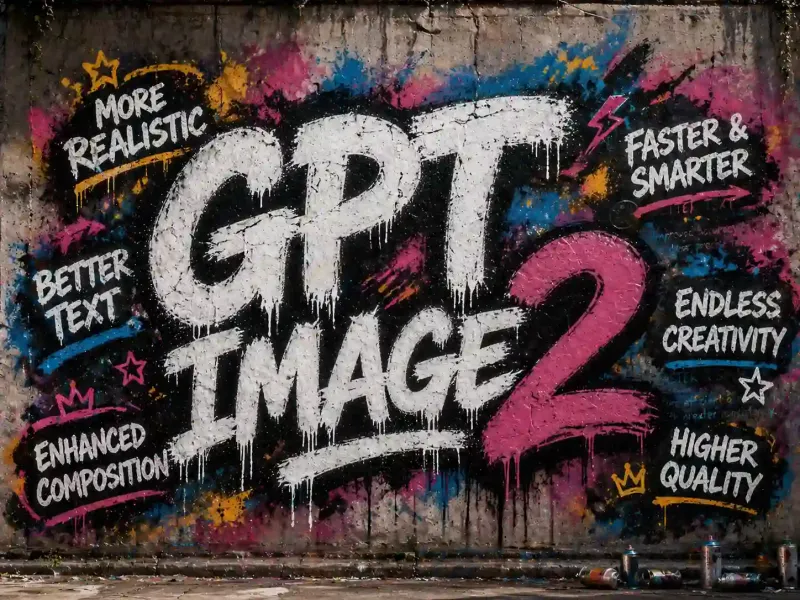
This model does not support NSFW images.
COMPARISON
Compare the Best: GPT Image 2 vs Nano Banana 2 vs Seedream 5
Compare real image results across models. See how OpenAI GPT Image 2 performs against Nano Banana and Seedream in detail, realism, and consistency.
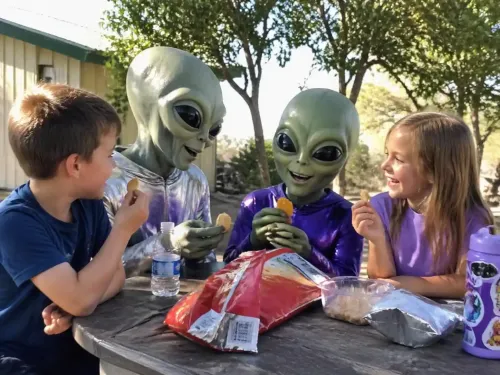
GPT Image 2 Text to Image
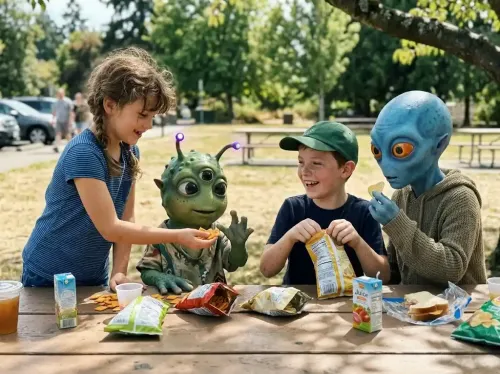
Nano Banana 2 Text to Image
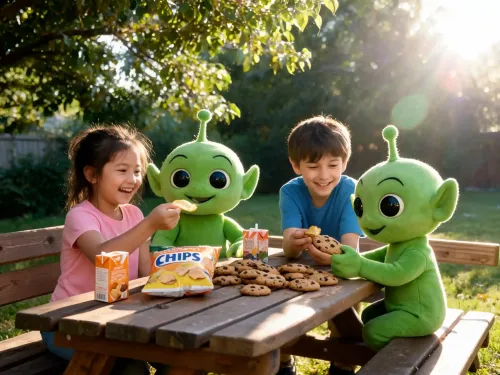
Seedream 5 Text to Image
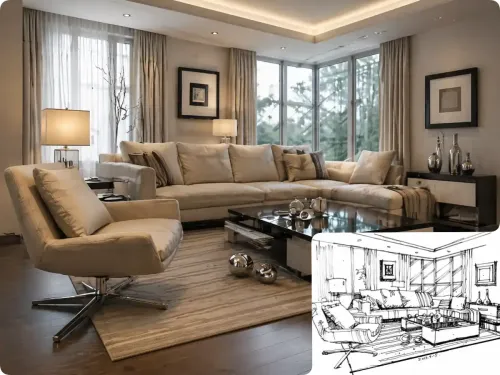
GPT Image 2 Image to Image
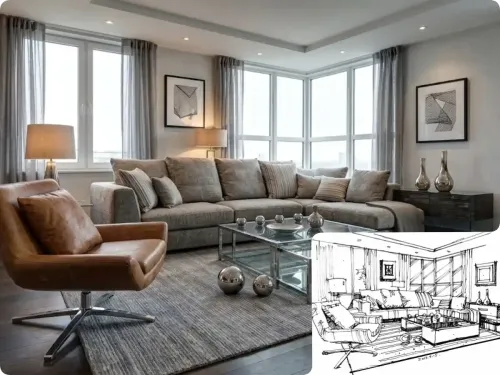
Nano Banana 2 Image to Image
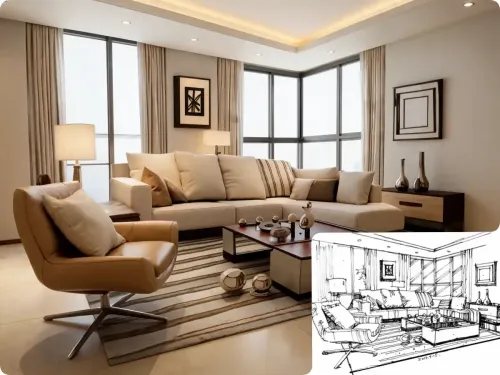
Seedream 5 Text to Image
Feature
Why Choose GPT Image 2?
See why GPT Image 2 from OpenAI is different. It understands your words better to give you high-quality photos that look great every time, in any style.
Create Perfect Layouts with Clear, Readable Text
Most AI tools struggle with words, but GPT Image 2 makes text a core part of your design. You can now build layouts with clear headings and organized structures that look like they were made by a professional designer. It’s no longer just a rough sketch; it’s a finished piece of work ready for your project.
✅️Designed for text-first visuals
✅️Handles structured layouts naturally
✅️Closer to real design outputs
Try Design Mode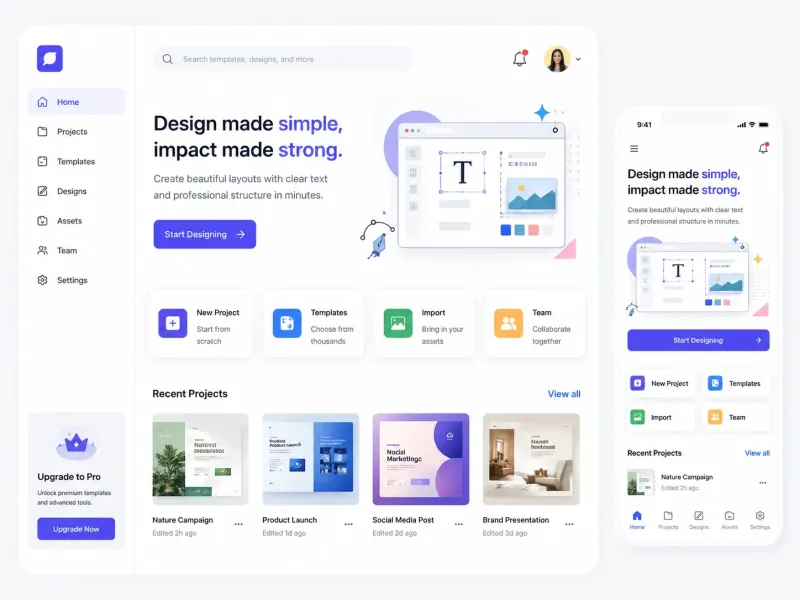
Smart Reasoning That Truly Understands Your Prompt
Stop fighting with AI to get what you want. GPT Image 2 doesn't just guess—it follows your specific instructions. Whether you have a complex scene with many characters or a detailed background, the model understands how everything connects. It keeps the logic of your image perfect, even when things get crowded or detailed.
✅️Follows complex instructions perfectly
✅️Maintains logical object relationships
✅️Built for detailed and layered scenes
Explore Smart Prompts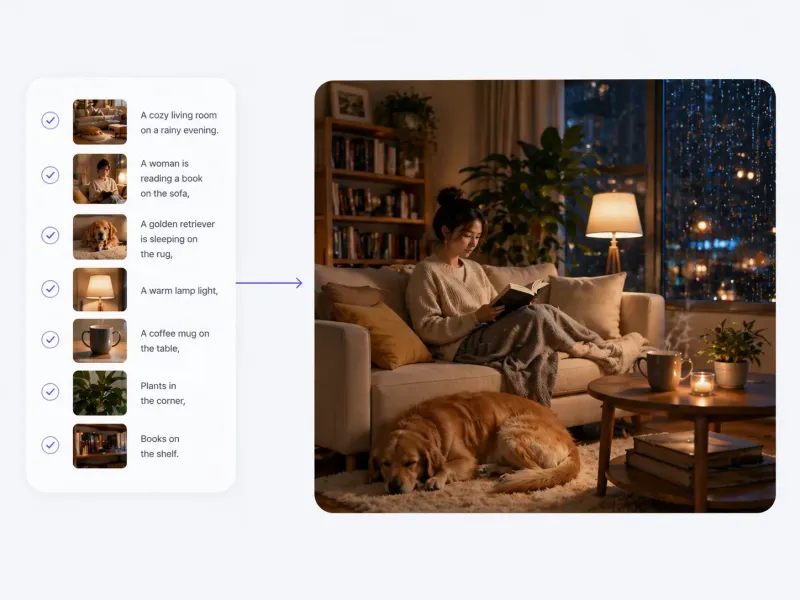
Reach the Whole World with Multilingual Support
Language should never be a barrier to your creativity. GPT Image 2 allows you to add text in many different languages naturally and accurately. Whether you are designing for local markets or a global audience, the model adjusts to different formats and regions, making sure your message is clear everywhere.
✅️Accurate multilingual text rendering
✅️Adapts to regional design formats
✅️Ready for global creative projects
Start Global Project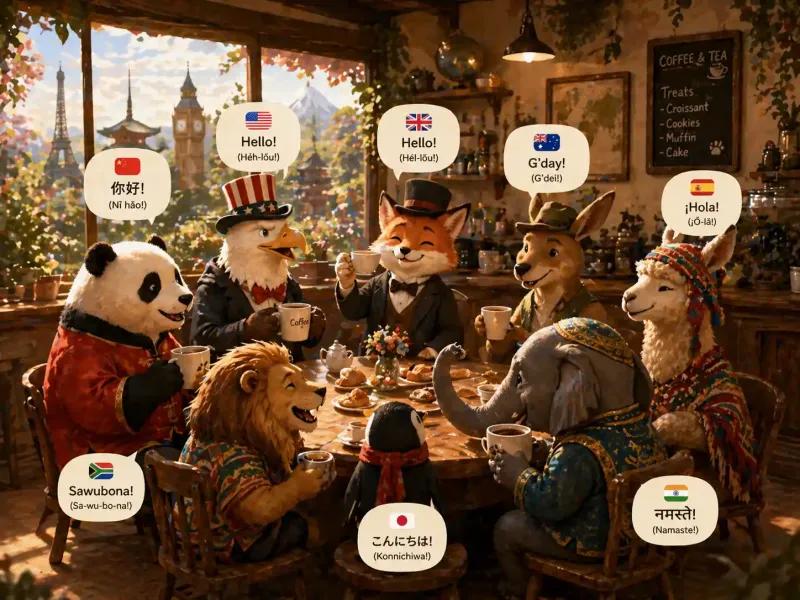
How to use GPT Image 2 in 3 Steps?
From a simple idea to a finished masterpiece, GPT Image 2 makes it easy to build and improve your visuals in just three simple steps.
1
Start with Text or an Image
Start with a fresh idea by typing text, or upload an image to use as a base for your next creation.
2
Describe Your Vision
Tell the GPT Image 2 model exactly what you want. You can describe a new scene or ask the tool to edit and change parts of your uploaded image.
3
Generate and Share
Click the button to see your results. In seconds, GPT Image 2 will deliver a high-quality visual that is ready to share.
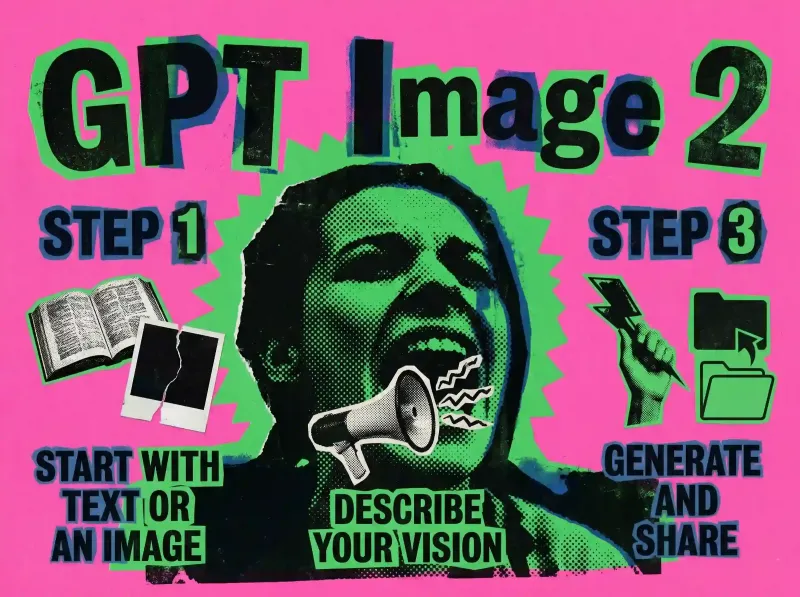
Get high-quality images with just one click!
FAQ
FAQ About Chatgpt Image 2
Have questions about gpt-image-2? We've got answers.