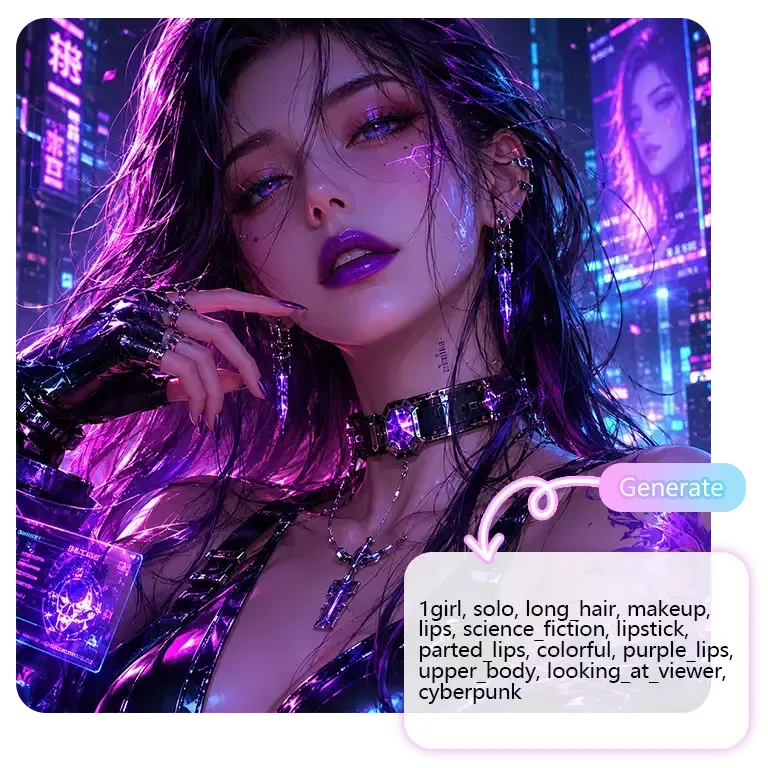
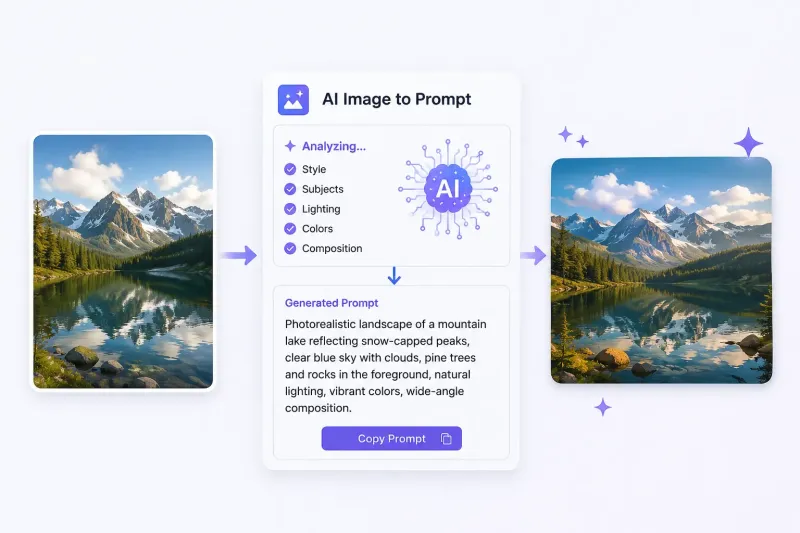
Image to Prompt analyzes the visual elements of an image—such as subject, style, lighting, colors, and composition—and converts them into structured text prompts for AI image generation. Simply upload an image, choose your preferred model and prompt mode, and generate prompts you can copy, edit, or use directly.
Free Online Image to Prompt Generator
Analyze any image and generate clear, structured prompts for AI creation. Easily recreate visual styles, compositions, and details with greater control.
1
Upload Image
Upload Image
Click or drag image here
PNG / JPG / WEBP · Max 10MB
2
Model
GPT Image 2
3
Prompt Complexity
COMPARISON
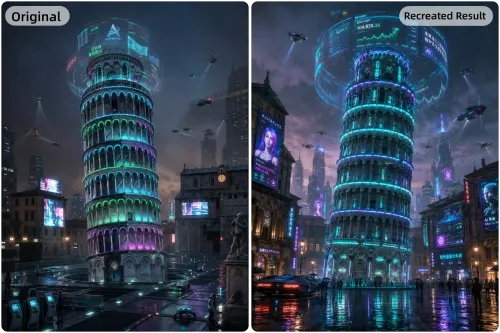
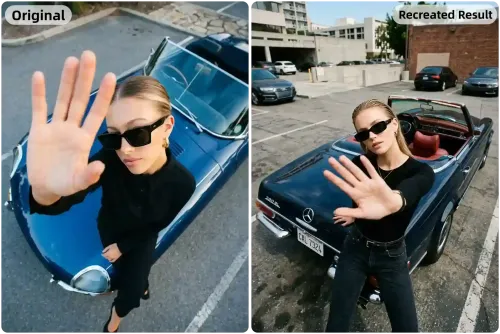
Compare Prompt Results Across AI Models
Explore how different AI models transform the same image into structured Image to Prompt results and recreate new visuals with unique outputs.
GPT Image 2 Prompts
Nano Banana Prompts
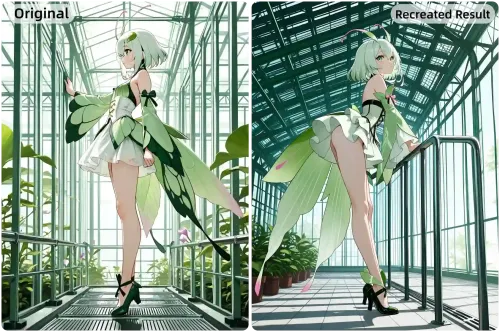
Tag Mode Prompts
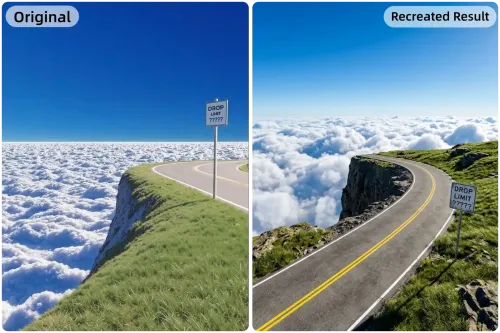
Flux Prompts
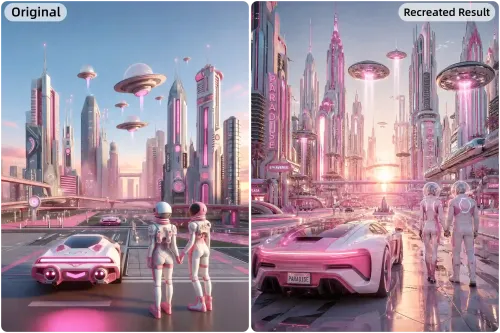
Stable Diffusion Prompts
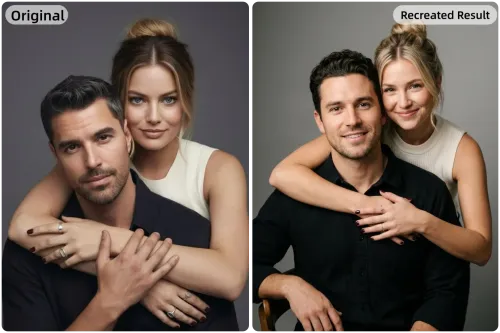
Midjourney Prompts
Feature
Everything You Need for Better Image-to-Prompt Results
Turn images into structured prompts with more control, flexible modes, and model comparisons to create better AI-generated results faster.
Turn Images Into Detailed AI Prompts
Stop guessing how to describe an image manually. Our image to prompt generator analyzes styles, subjects, lighting, colors, and composition to instantly create structured prompts from any image for AI creation.
Generate prompts from photos, artwork, or AI images
Analyze visual details automatically
Save time on manual prompt writing
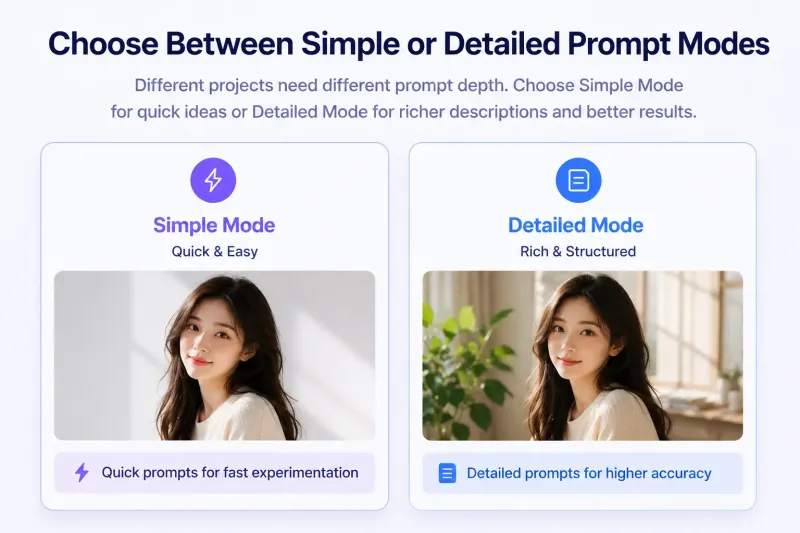
Choose Between Simple or Detailed Prompt Modes
Different projects need different prompt depth. With our image to prompt free tool, choose Simple Mode for quick ideas or Detailed Mode for richer descriptions, stronger structure, and more precise AI-generated results.
Quick prompts for fast experimentation
Detailed prompts for higher prompt accuracy
Flexible output depth based on your needs
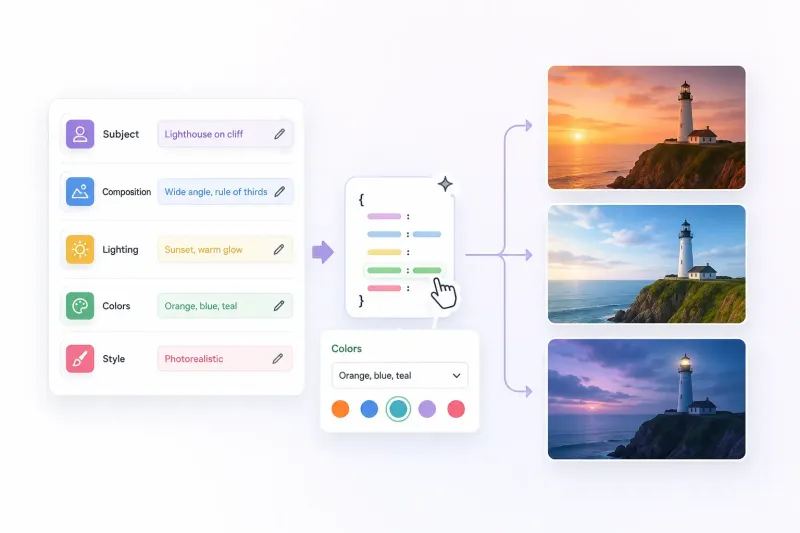
Edit Structured Prompts With More Control
Our image to prompt system breaks images into editable elements like subject, composition, lighting, colors, and style. Refine keywords, replace details, or experiment with new visual directions more easily.
Edit specific visual attributes directly
Fine-tune prompts without rewriting
Explore creative variations faster
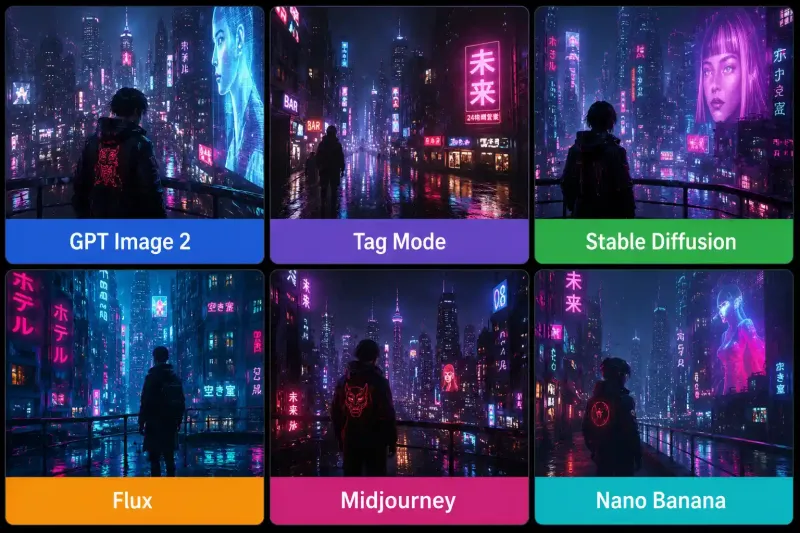
Compare Prompt Results Across AI Models
See how different AI models interpret the same image through unique prompts and recreated visuals. Compare outputs side by side and discover which image to prompt generator style works best for your creative goals.
Compare 6 popular AI prompt styles
Understand how models interpret visuals differently
Choose the best result for your workflow
How to Use the Image to Prompt Generator
Step 1
Upload Any Image
Upload any photo, artwork, screenshot, or AI-generated image you want to analyze. Our Image to Prompt Generator will instantly detect styles, subjects, lighting, and visual details.
Step 2
Choose a Model & Prompt Mode
Select your preferred AI model and choose between Simple or Detailed prompt modes. Different models and prompt depths help create different creative results.
Step 3
Copy or Use Your Prompt
Generate structured prompts in seconds, then copy, edit, or directly use them for AI image creation, style recreation, or creative inspiration.
FAQ
FAQ About Image to Prompt
Upload an Image. Get Better Prompts.
Turn photos, artwork, and AI images into structured prompts instantly with flexible modes and multiple AI models.
Powered by 6 AI Models
100% Free to Try
No Account Needed